
Guide
Download, Install & Start Clipping.
Everything you need to go from installer to your first clip.
Install VClip
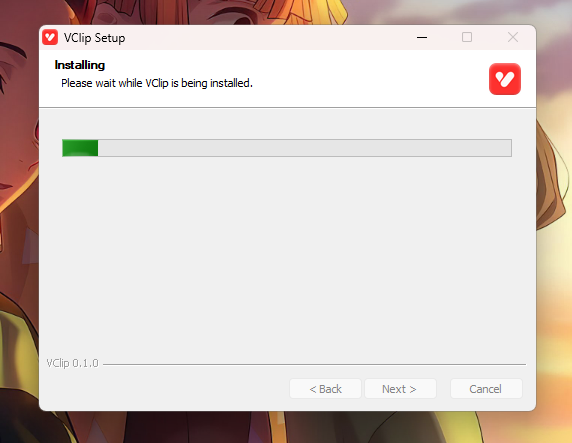
Run the installer you received and click through the setup — it takes under a minute. VClip installs to its own folder with everything it needs inside; uninstalling removes all of it.
⚠️ Seeing “Windows protected your PC”?
That is expected — the installer isn't code-signed yet. Click More info → Run anyway. It's a normal click-through warning, not a problem with the app.
Set up the AI models
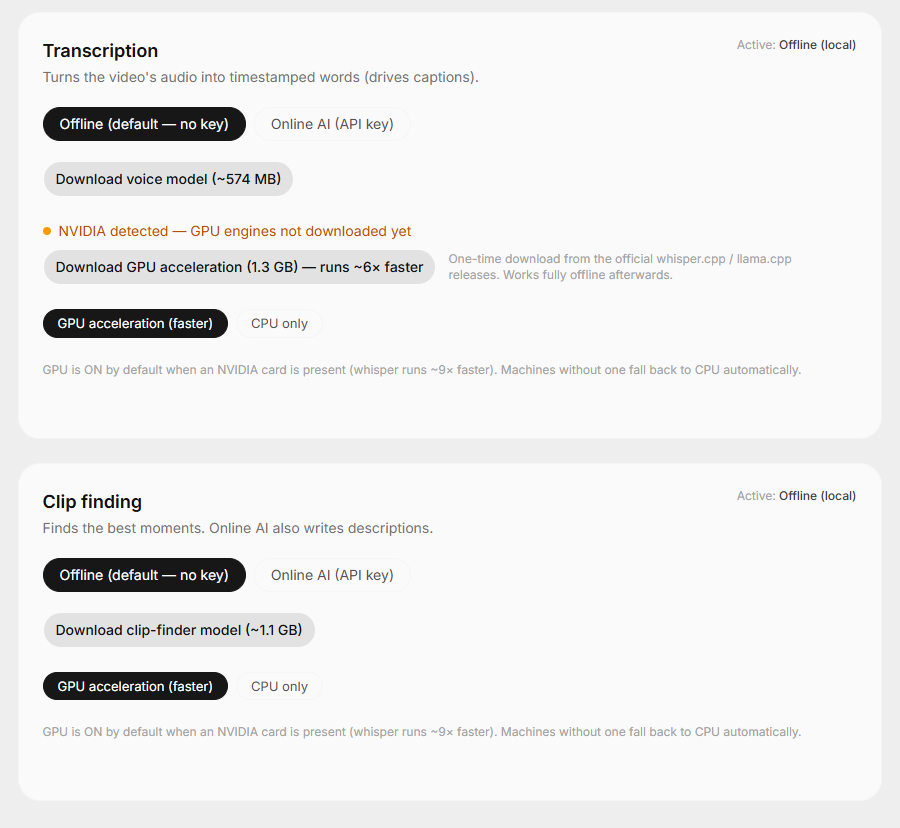
Open the Models tab inside VClip and download two small AI models — that's the whole setup, and you only do it once. No account, no API key, and everything works offline.
- Voice model (~574 MB) — it listens to your video and writes down every word with timestamps. This is what powers your captions.
- Clip-finder model (~1.1 GB) — it reads those words and picks the moments worth turning into clips.
- Have an NVIDIA card? Also grab GPU acceleration (~1.3 GB) — a one-time download that runs everything ~6× faster, fully offline afterwards.
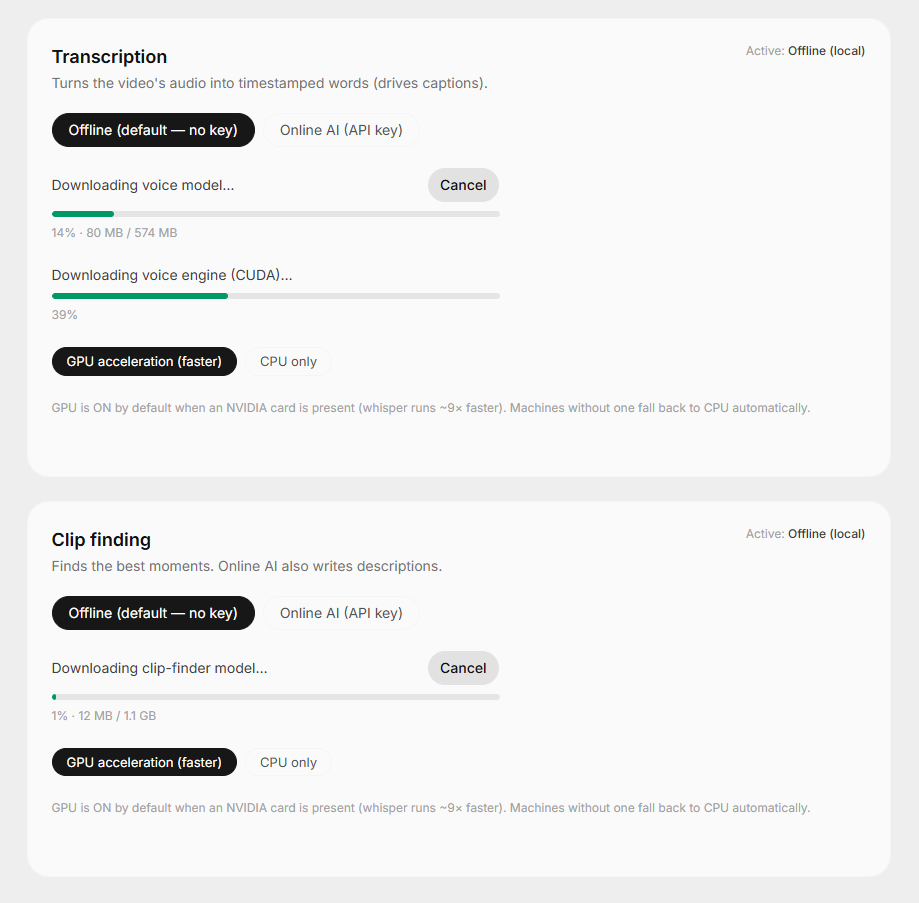
⚠️ While the GPU pack is downloading
Don't switch between the app's internal tabs until the download finishes. Progress is shown right on each card, and downloads are resumable if anything interrupts them.
Start Clipping
Paste a YouTube link or drop in a video — and you are good to go. You can now do clipping.
Make it faster with AI mode
If finding clips or captions feels slow on your machine, make a free OpenRouter account, switch that stage to Online AI and use our default cheap models — whisper-turbo for transcription and a budget model like DeepSeek or GLM Flash for finding. You pay pennies per video, straight from your own account.
A note from me (the owner): I used to do clipping myself — I've made hundreds of clips for less than $1 in AI costs. It is that cheap.
Troubleshooting
Windows shows “Windows protected your PC” when I run the installer.
This is expected — the installer is not code-signed yet. Click “More info” and then “Run anyway”. The app is safe; the warning only appears because the publisher certificate hasn't been added.
My antivirus flagged the installer.
Unsigned Windows installers sometimes trigger heuristic warnings. VClip runs fully on your machine and sends nothing anywhere in offline mode. If your antivirus blocks it, add an exception for the installer.
My NVIDIA GPU is not being used.
GPU acceleration ships as a separate one-time download. Open the Models tab and download the GPU pack — VClip detects NVIDIA cards automatically and falls back to CPU if a GPU run ever fails.
A download is stuck or very slow.
Cancel and start it again — model and GPU-pack downloads are resumable. And avoid switching between the app's internal tabs while the GPU pack is downloading.
Something is still not working.
Open the in-app Diagnostics page and copy the report, then message me on Instagram or Telegram with it — the report plus vclip.log shows me exactly what is happening on your machine.
Ready to run it on your machine?
One-time payment. No subscription. Everything runs on your own computer.
Suggested Reads
5 Sept 2026 · 8 min read
How to Find the Best Clips From a Long Video
Cutting a clip takes minutes. Finding the right 40 seconds in a 3-hour video takes hours. Learn the patterns behind the best clips — and how AI can find them for you.
Read article3 Sept 2026 · 8 min read
How Clippers Are Earning So Much Money (And How You Can Too)
Clippers turn stream moments into real income through view rewards, rev-share deals and clip teams. Here is exactly how the money works — and how to start.
Read article2 Sept 2026 · 8 min read
How Clippers Can Turn Long Videos Into Short-Form Content Faster
Output and speed decide which clippers grow. Here is where your hours actually go, and how to turn a long video into short-form clips without losing your evenings.
Read article